A complete picture of the app — what each feature is for, and who it's actually useful to.
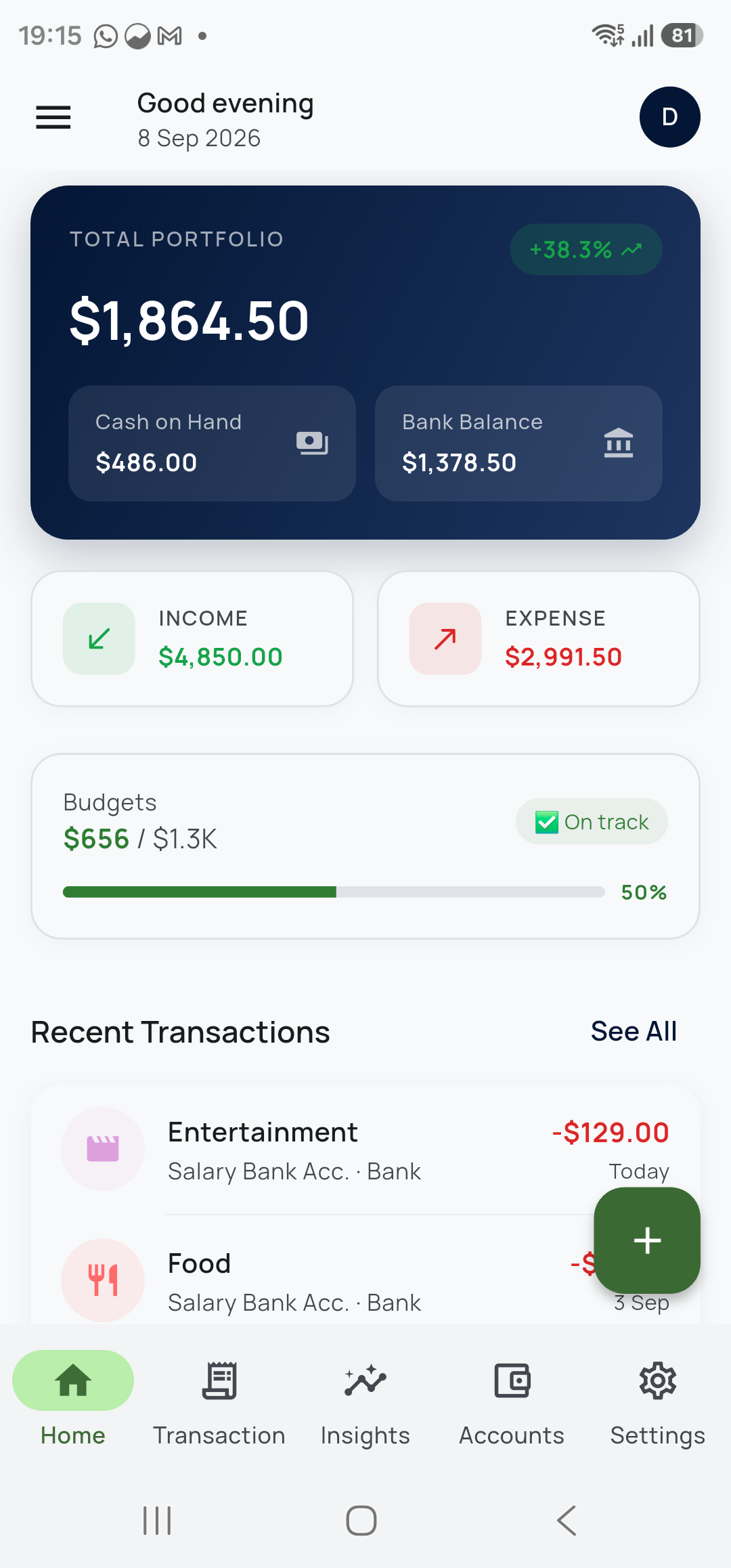
Log a transaction in a few taps. Choose a category, an account and a date, add a note if you want, and you're done — around five seconds.

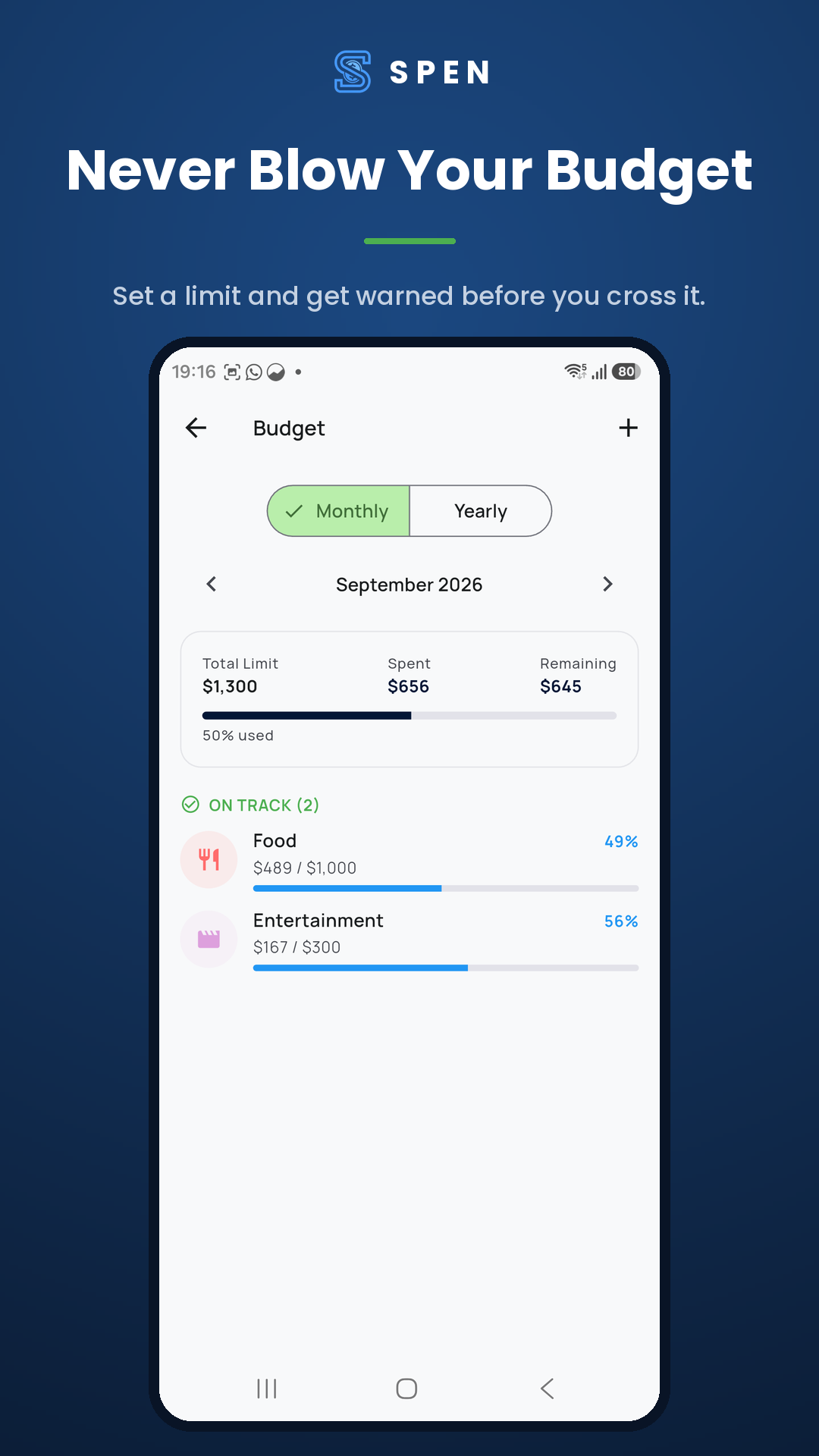
Most apps tell you what you spent after the month has ended, which is too late to matter. Spen sets a limit per category and warns you as you approach it.

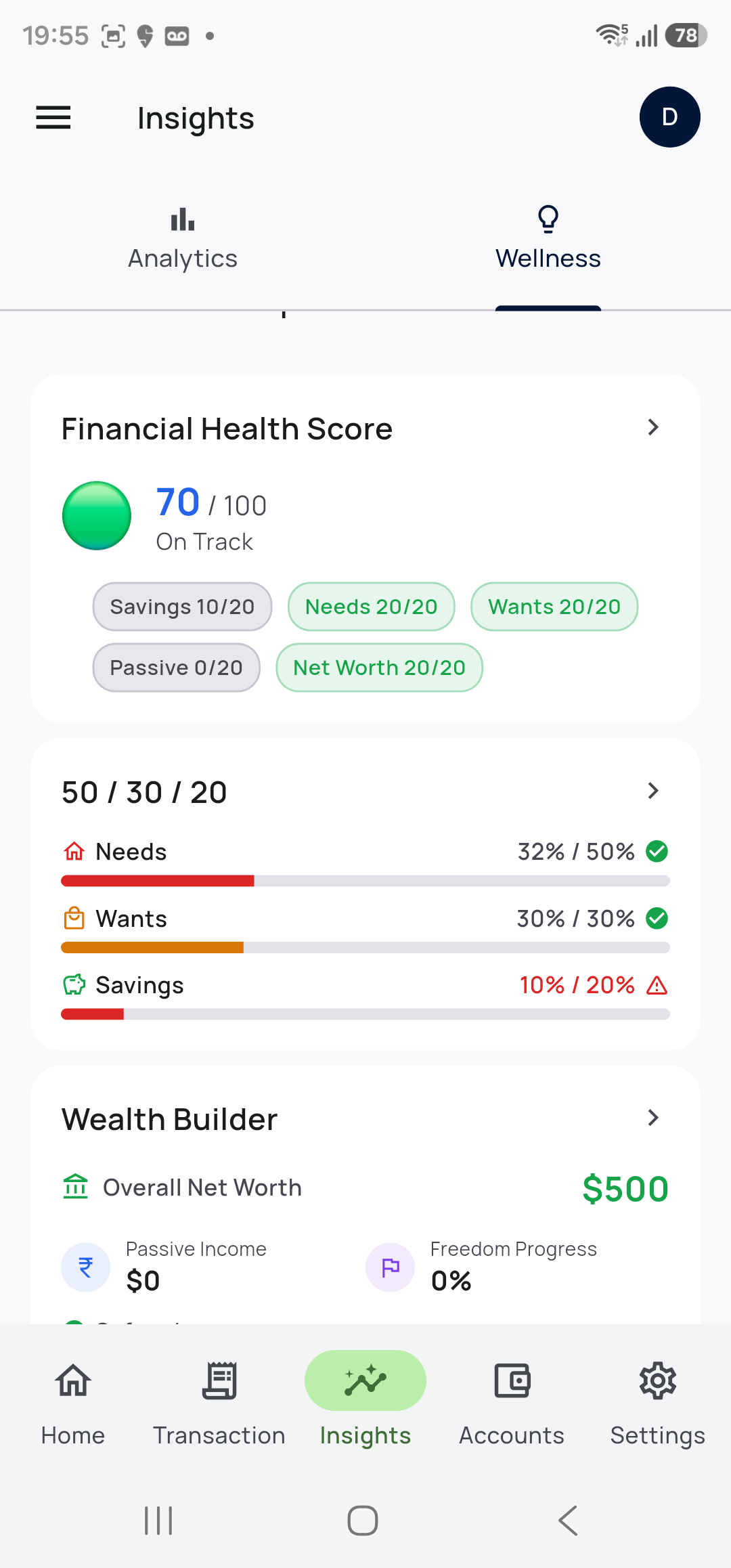
A spending breakdown by category, monthly trends, and a single financial health score that tells you how things are going without reading charts.

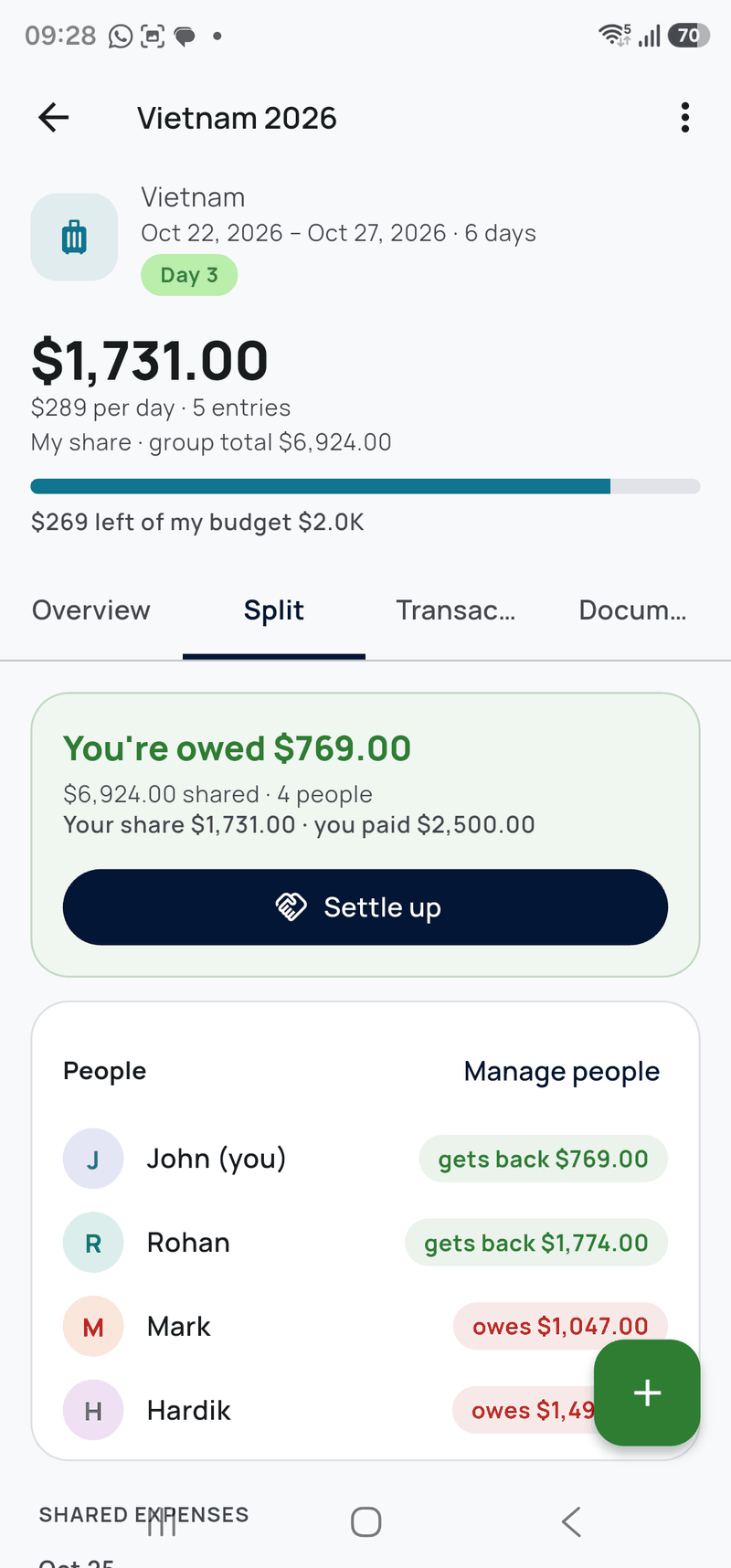
Holidays and work travel distort a normal month. Give a trip its own budget and Spen keeps that spending separate from your regular one.
Splitting is equal shares between the people included on each expense. One person keeps the record — it doesn't sync live between everyone's phones.

Most expenses are forgotten because logging them means opening an app and finding the right screen. Spen's home-screen widgets and shortcuts take you straight to the amount.
Today's spending at a glance, with + Expense and + Income buttons and your top categories one tap away. Save, and you're back on your home screen.
The category tiles follow what you've logged most in the last 30 days, each in its own colour. Tap one and the expense is already filed.
While a trip is running, the widget shows the trip, the day and what you've spent. One tap adds to the trip, split with the group if you're sharing costs. Tap the trip name to open it.
A one-button version that shrinks down to the size of an app icon, so it fits next to the apps you already use.
Hold the Spen icon for Add expense, Add income, or Add to your current trip — no widget needed.
Choose whether the widget shows amounts. With App Lock on, they're hidden on the home screen by default.
Widgets and shortcuts work offline, like the rest of the app. Available on Android.
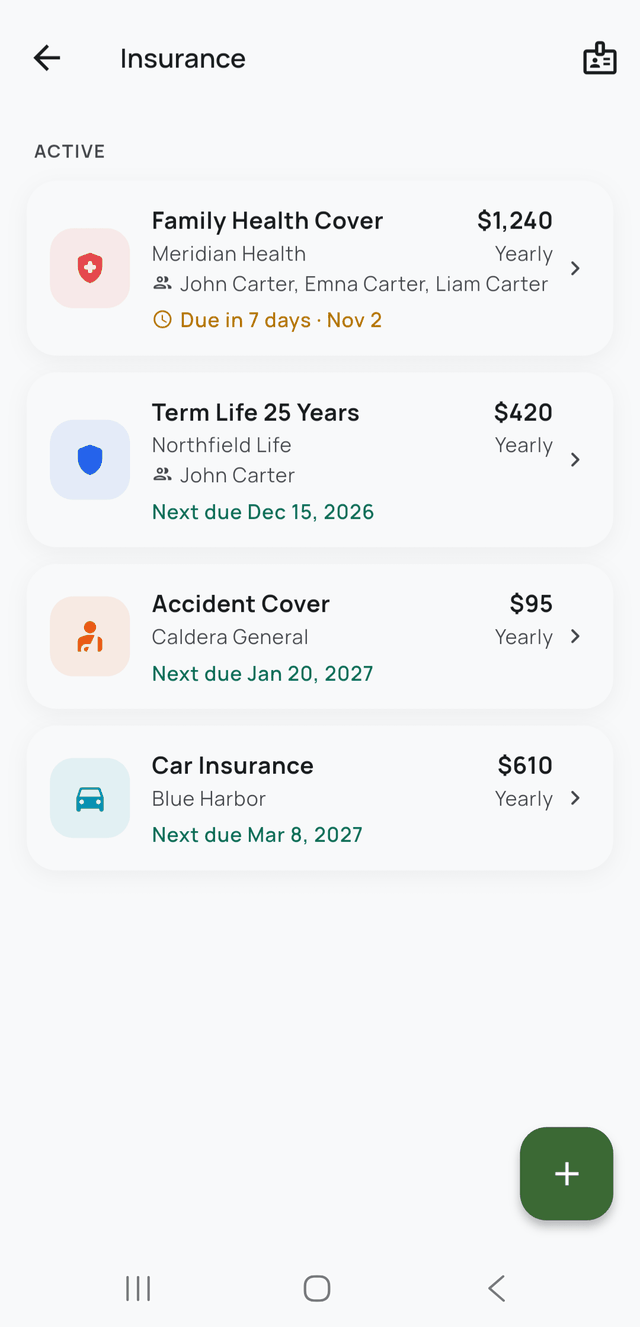
Insurance only helps if you can reach it. Spen keeps each policy's details on your phone and reminds you before every premium — because the most common way cover fails is a renewal date passing while you were busy.
Health, life, motor, travel — insurer, policy number, sum insured, premium amount and frequency, and who's covered under each one.
A reminder before each premium is due, with grace days accounted for. Letting a health policy lapse can reset waiting periods you've already served.
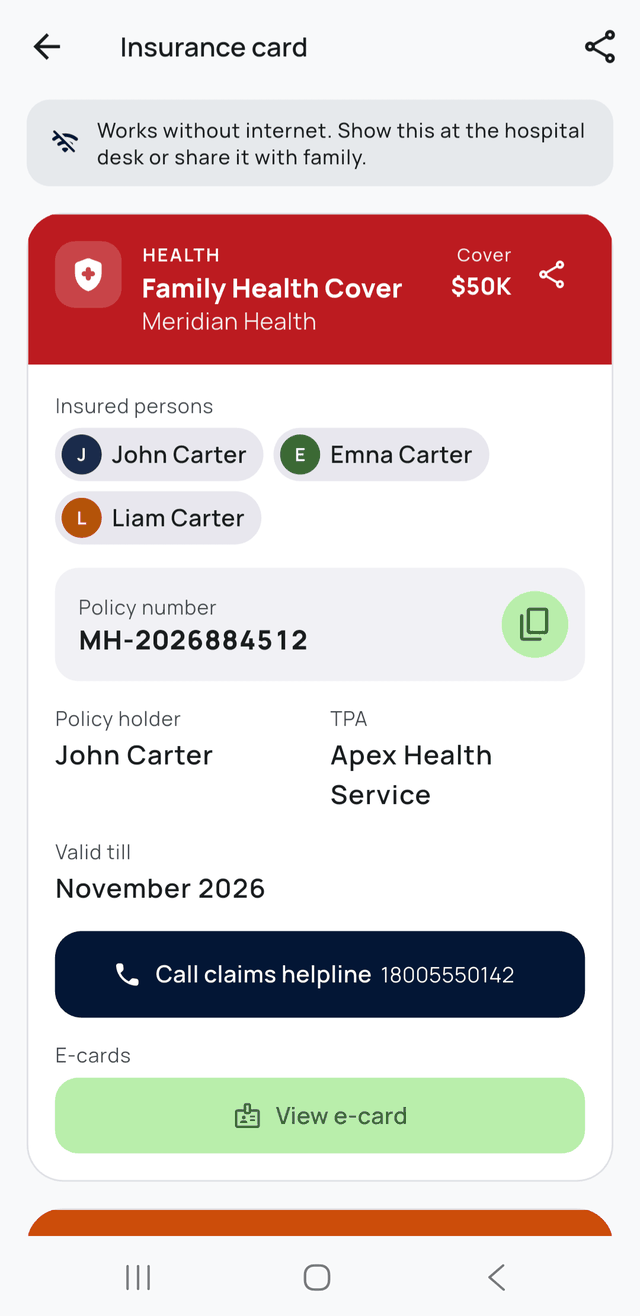
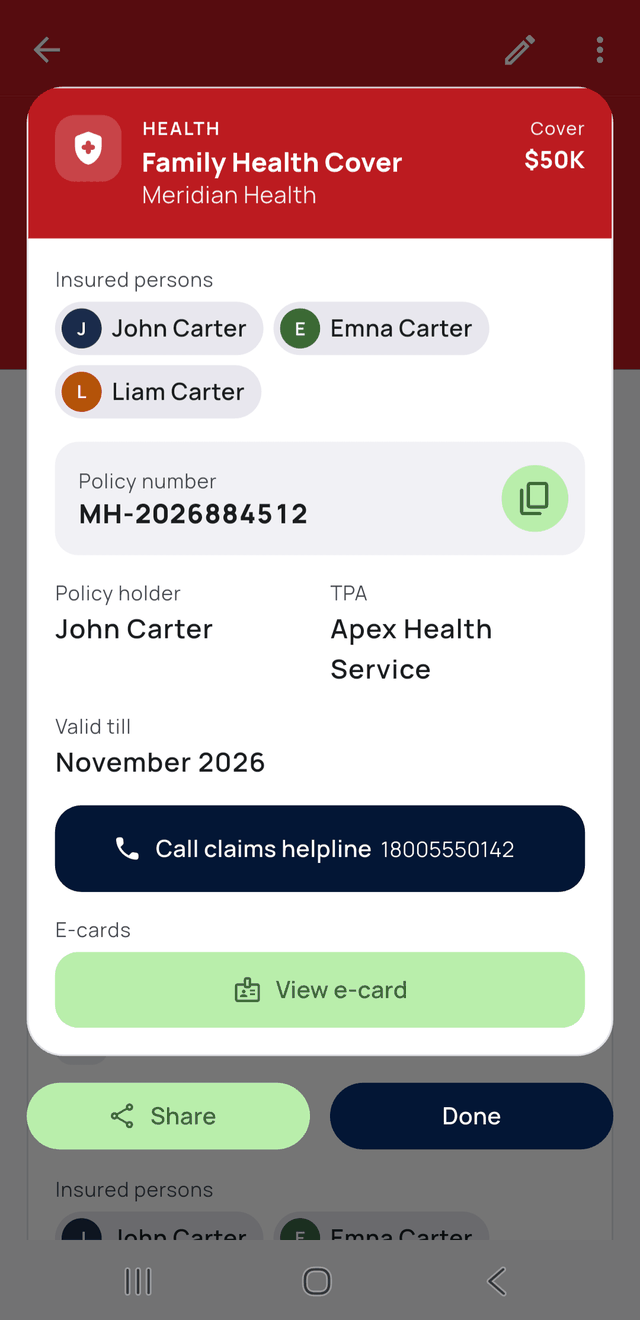
Claims helpline, TPA name, policy number and your e-card — one screen, works with no internet. Show it at the hospital desk, or share it with family.
Record a premium payment against the account it came from, so insurance shows up in your spending instead of sitting outside it.
Mark a policy as employer-provided so you can see at a glance what you'd lose if you changed jobs, and what you hold independently.
Keep the policy PDF and e-card with the policy. Stored in the app's private storage on your device, never uploaded to us.
Spen does not sell, compare or recommend insurance, and has no relationship with any insurer. It's a place to keep your own policy details and a reminder so you don't miss a renewal. Why this matters →
The whole app is built so there is no server holding your financial history.
There is no sign-up screen. Install the app and start — nothing to create, nothing to verify, no email needed.
Every feature works in airplane mode. No connection needed to log, budget, or view analytics.
PIN and biometric unlock, with a recovery code, biometrics or your Google account if you forget it.
Optional backup goes to your personal Google Drive — not to us. Restore on a new phone in a few taps.
Bring existing records in, take everything out whenever you want. Your data is never locked in.
Free with nothing to buy. No banner ads, no interstitials, no premium tier held back.
Free, offline and no account. If it isn't for you, uninstalling takes nothing with it.
Get it on Google Play